
Before planning a brand photoshoot, open the pages you intend to update. Look at the homepage, service descriptions and project pages. What does a reader need to understand at each point? That question gives the subject, composition and delivery of each photograph a practical starting point.
A useful brand photography shot list connects what to photograph with where the image will appear and what it needs to explain. Broad headings such as people, products and spaces leave too many decisions unresolved.
Start with the question on the page
A homepage may need to introduce the character of a brand. A service page may need to explain how work happens. A product page may need to show appearance, scale or use. These are different tasks, even when the same product appears throughout.
Write one sentence for each important placement before deciding on the photograph. “Help the reader understand the dining environment” gives a wide interior view a clear purpose. A detail image should have an equally specific job.
Put purpose, subject and composition in the same row
The list can remain simple. What matters is that photography, copy and design work from the same requirements. The following structure is a starting point; agree the actual dimensions and crops with the person responsible for the website.
| Placement | Reader’s question | Photographic requirement |
|---|---|---|
| Homepage lead image | What kind of brand and setting is this? | For a wide banner, keep the subject clear of the text area; plan a mobile alternative |
| Service page | How does the work happen? | Show recognisable actions, tools and context, rather than an isolated gesture |
| Product or project page | What does it look like, and how is it used? | Plan an overall view, closer details and context as separate needs |
| Journal and supporting content | What observation is the article making? | Keep enough context for a specific, verifiable caption |
Add priority, location, required people or objects, and the person responsible for confirmation. Essential photographs can then be distinguished from optional variations. Leave some room for worthwhile opportunities that only become apparent on location.
Give context and detail different jobs
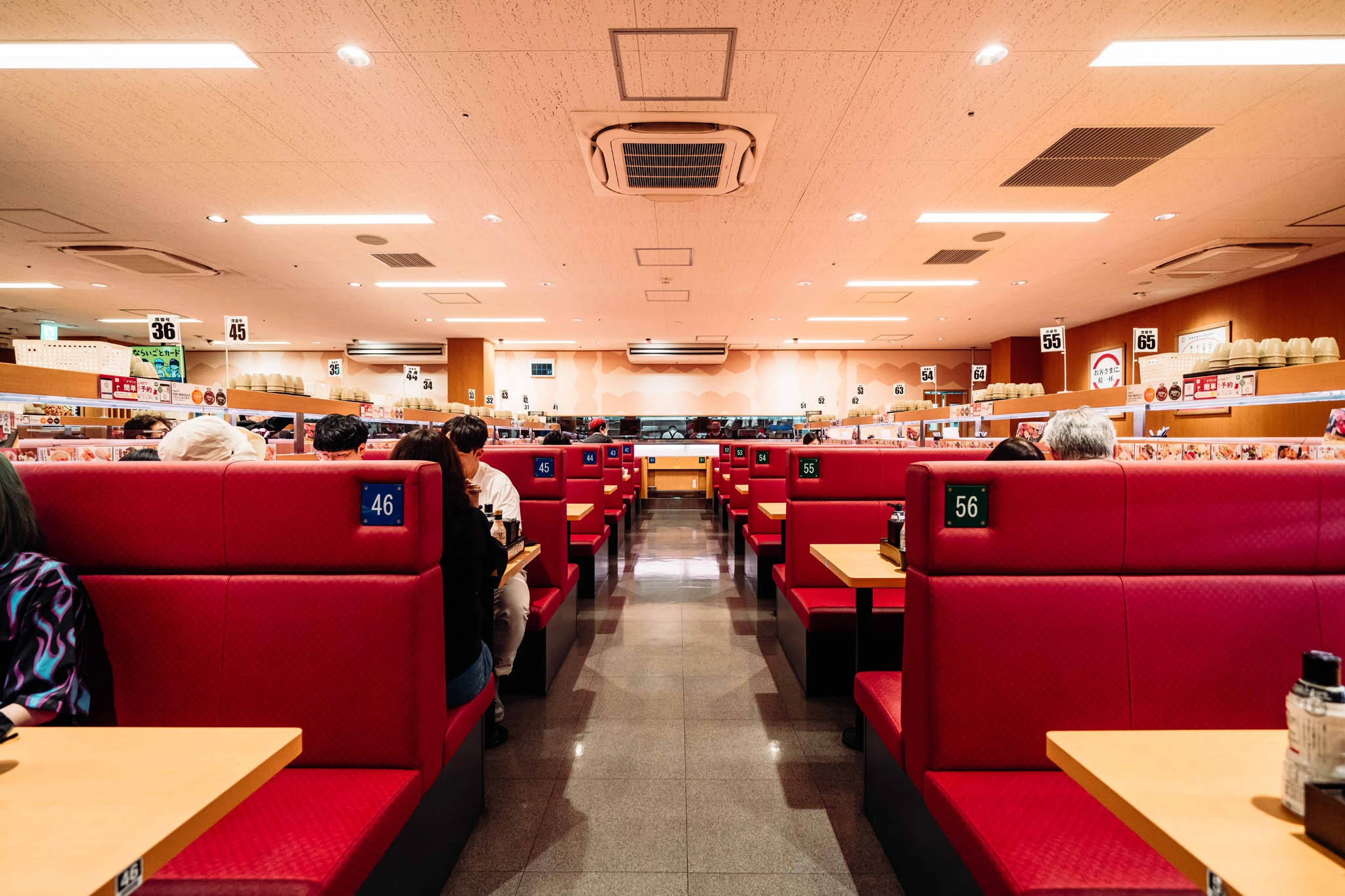
If a restaurant brand prepares only close-ups of dishes, its website will have little material to explain the room. Booths, table spacing, an aisle and the existing light can all help a reader understand the dining environment. A wide photograph has a purpose of its own.
The same principle applies to retail. Our Seibu Ikebukuro article considers the relationship between display, products and space. A new shot list can identify each of those layers, giving every image a defined role.
Consider the mobile crop before the shoot
When a wide photograph moves into a narrow screen, a subject, logo or important action may disappear. Ask the designer for desktop and mobile frames, then check where essential content needs to remain. If the placements require different compositions, record them as separate photographic requirements.
This matters when people and their surroundings share a frame. A close crop can emphasise an interaction with a pet. A wider view keeps the lamp, furniture and everyday objects in the picture. The appropriate choice depends on whether the page is discussing the interaction, the clothing or the domestic setting.
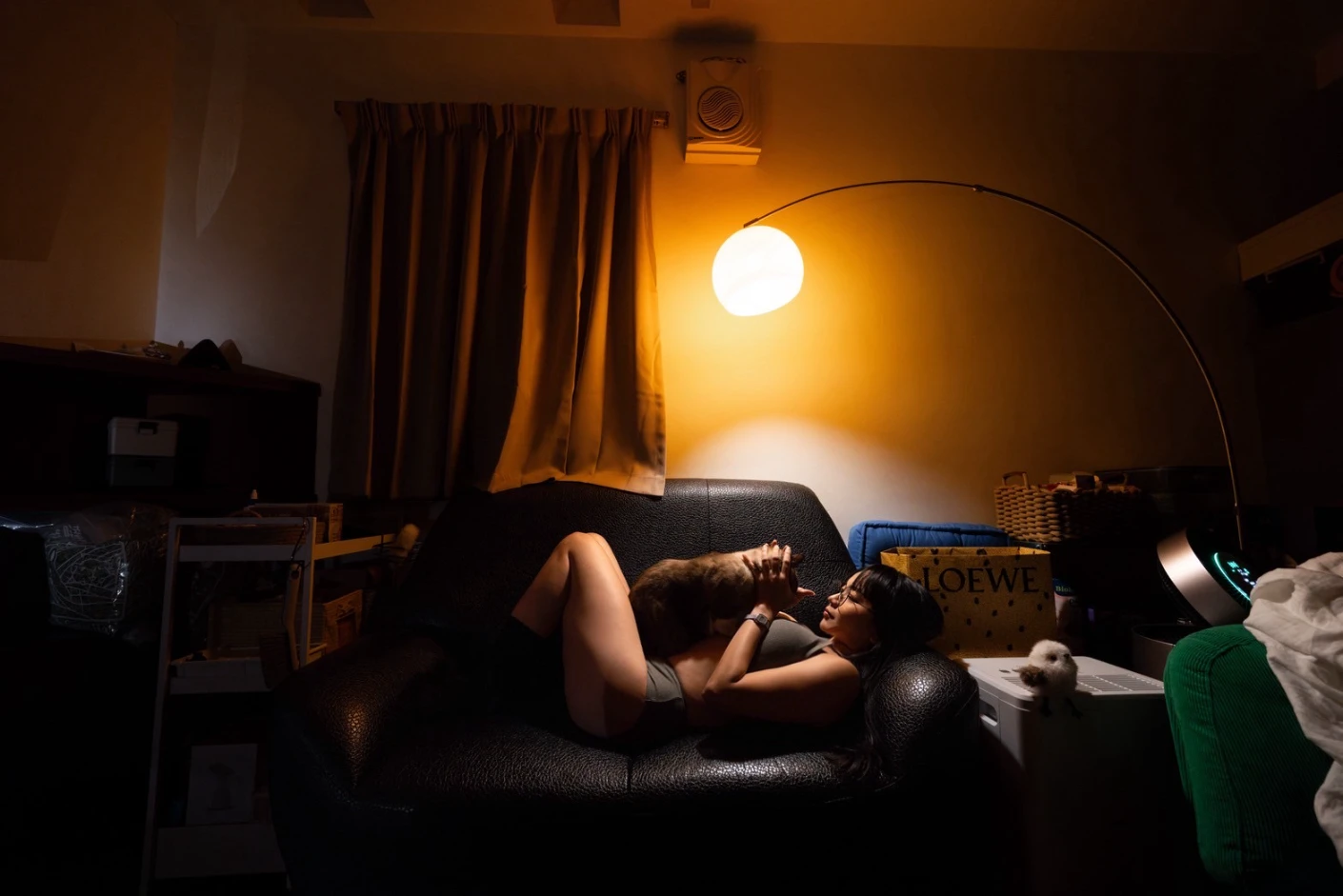
Notes such as “capture separate compositions with the subject on the left and on the right” or “capture a separate portrait composition” make these needs visible. They do not require every photograph to look alike. Preserving a meaningful lifestyle context and allowing flexibility for design can be considered together.
Make the handover explain how the photographs can be used
After the shoot, organise the files around their intended uses: homepage candidates, service-page images and supporting details. Keep traceable filenames and original versions so future editors can find the same photograph and understand where a crop came from.
Captions, permitted channels and specific usage restrictions belong in that record too. ALT text should describe the visible content relevant to the page. Red booths and a central aisle identify the picture more clearly than repeated phrases about commercial photography.
Once every important placement has a corresponding image, the remaining gaps become easier to see. The shot list becomes a shared reference for the brand, photographer and designer, connecting each photograph to something the reader needs to understand.